Publishing & exports
Publishing is the moment a scenario's draft prices become the real ones. Resolve makes it deliberate, atomic, and audited — and pairs it with the exports that carry prices onward to your point-of-sale or ERP.
Publishing a scenario
Publish Scenario sits in the scenario toolbar. The confirmation dialog states exactly what will happen — the scenario's prices, segments, hierarchy updates, and pricing rules are copied to Live, and the step cannot be undone from Resolve — and requires a typed confirmation word before the button arms.
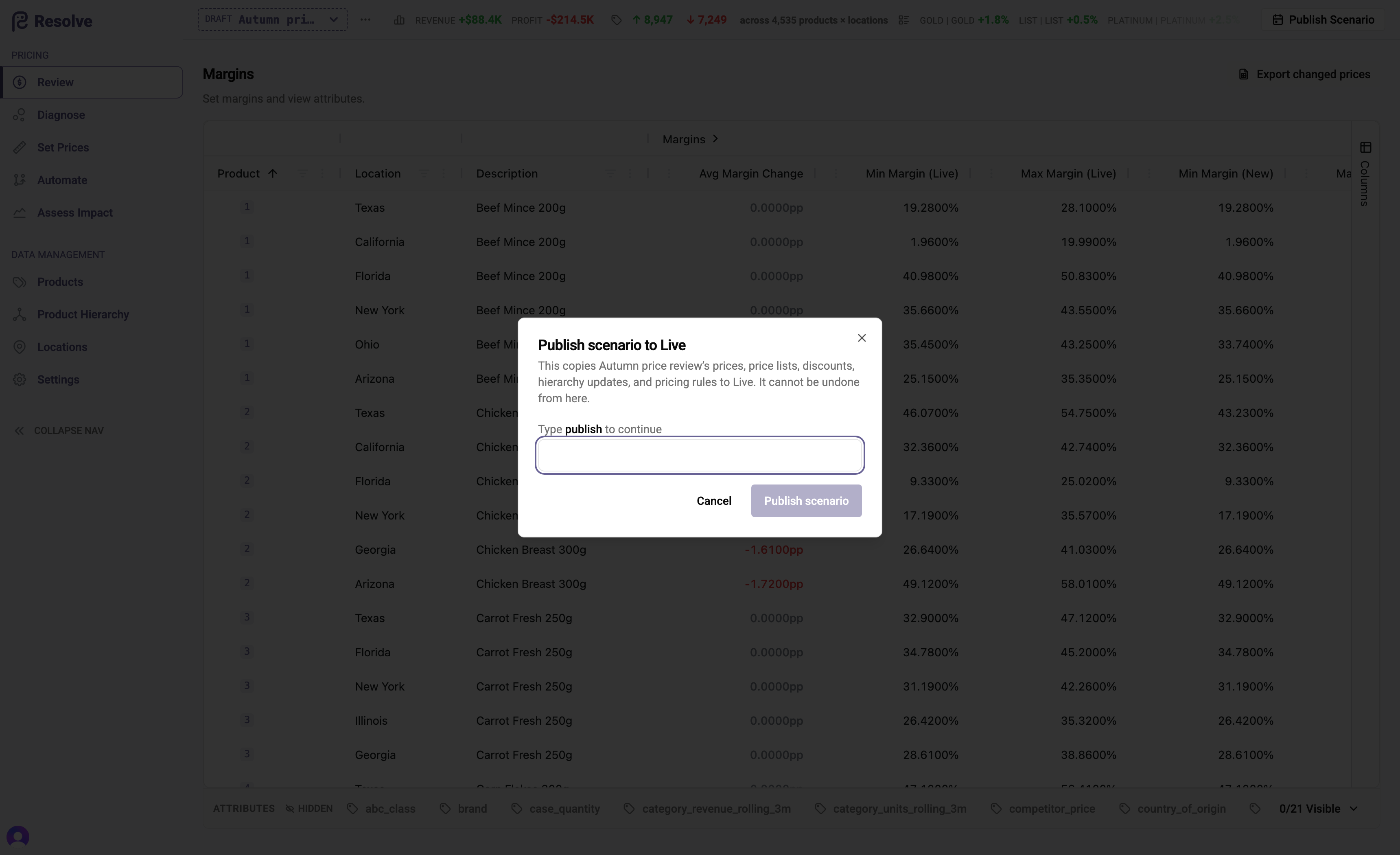
What publish does, precisely:
- Every rule the scenario holds overwrites its Live counterpart; Live rules the scenario never touched are left standing. Publish adds and overwrites — it does not clear the book.
- Scheduled (future-dated) rules publish too, and take effect at their stated time.
- Family members follow their family head.
- Every change keeps its original author and source in the audit trail — the Review grid on Live shows who did what, not merely who pressed Publish.
- The published scenario is retired: its purpose is complete, its changes are now Live, and its resolved prices are recorded in price history.
Publishing is all-or-nothing and runs as a background job — you'll land on the Live Review grid when it completes. While a workflow run is in progress in the scenario, Publish is unavailable; publish once the run has finished.
Choosing what to publish
When a scenario contains more than you want to release, trim it with a keep-set:
- Export prices for the scenario (below) — the CSV lists every changed product × location.
- Delete the rows you don't want to release.
- Upload the remainder. Every pair the scenario changed but the file omits is reverted to Live — its scenario changes are removed as if never made. Then publish normally.
The revert is immediate and complete: an omitted pair loses all its scenario changes, including future-dated ones. Three boundaries follow from the pricing model, and Resolve reports each when it applies:
- Only rule-driven changes can be reverted this way. A price that moves because a cost changes (under an unchanged rule) has no scenario rule to remove — cost is global master data.
- A pair covered by a scenario rule on a hierarchy group doesn't return to its Live price by omission — the group rule serves many products and survives. Revert the group's rule instead if that's the intent.
- Family members follow their head — a family's fate is decided by whether its head is kept, not by member rows.
Export prices (for POS / ERP)
Export prices (in the scenario menu) produces the Price CSV — the scenario's specific prices, generated as a background job: generate, then download; you're emailed a link when the file is ready. If prices change after generation, the dialog flags the file out of date and offers Regenerate. After a publish, the same export runs against Live, so the file that reaches your ERP always reflects the published book.
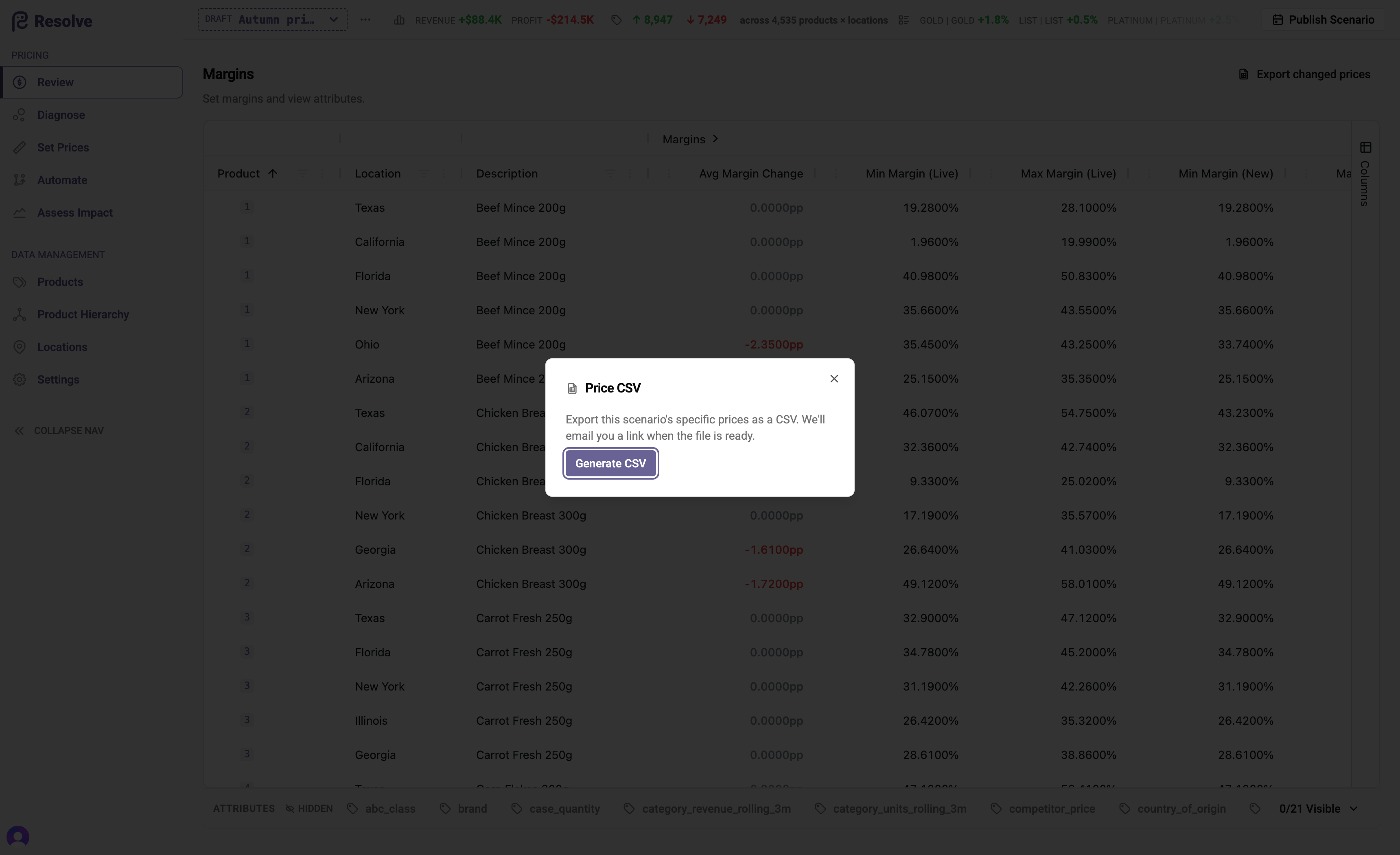
Export changed prices (for review)
On the Review grid, Export changed prices downloads the scenario's deltas — the file for pricing meetings and the input to the keep-set flow above.
Closing the loop with your ERP
If your ERP can itself change prices — refusing a publish, scheduling its own changes — see ERP & data exchange for how Resolve reconciles its book with reality.
Publishing is also where measurement begins: every published workflow run becomes a unit of analysis in Measuring results — what the prices you just released actually do, tracked from the moment they go live.