Welcome to Resolve
Resolve is a pricing management platform for retailers and wholesalers. It gives your pricing team one place to see every price, decide new prices — by hand or with automation — understand the revenue and margin impact before committing, and publish the result to the systems that sell.
Who this guide is for
This guide is written for the people who own prices: pricing managers, category managers, and commercial teams. It explains what Resolve does in business terms — no technical background needed.
How Resolve thinks about pricing
Four ideas underpin everything in Resolve. Each has its own chapter in Core concepts:
- Every price is a rule. Instead of storing a number per product, Resolve stores the reasoning — "cost × 1.4", or "always $9.99" — and computes the price from it. When costs change, cost-based prices follow automatically.
- Rules inherit down your product hierarchy. Set a markup on a whole category and every product in it is priced; override one product where you need to. The most specific rule always wins.
- Customer segments are customer tiers. Every customer resolves to a segment (its own, or the default segment when it has none), and every rule targets one — so wholesale, silver, gold, and platinum customers can each see their own price for the same product.
- Changes live in scenarios until you publish. A scenario is a draft workspace: experiment freely, measure the impact, then publish to Live in one deliberate, audited step.
A typical week in Resolve
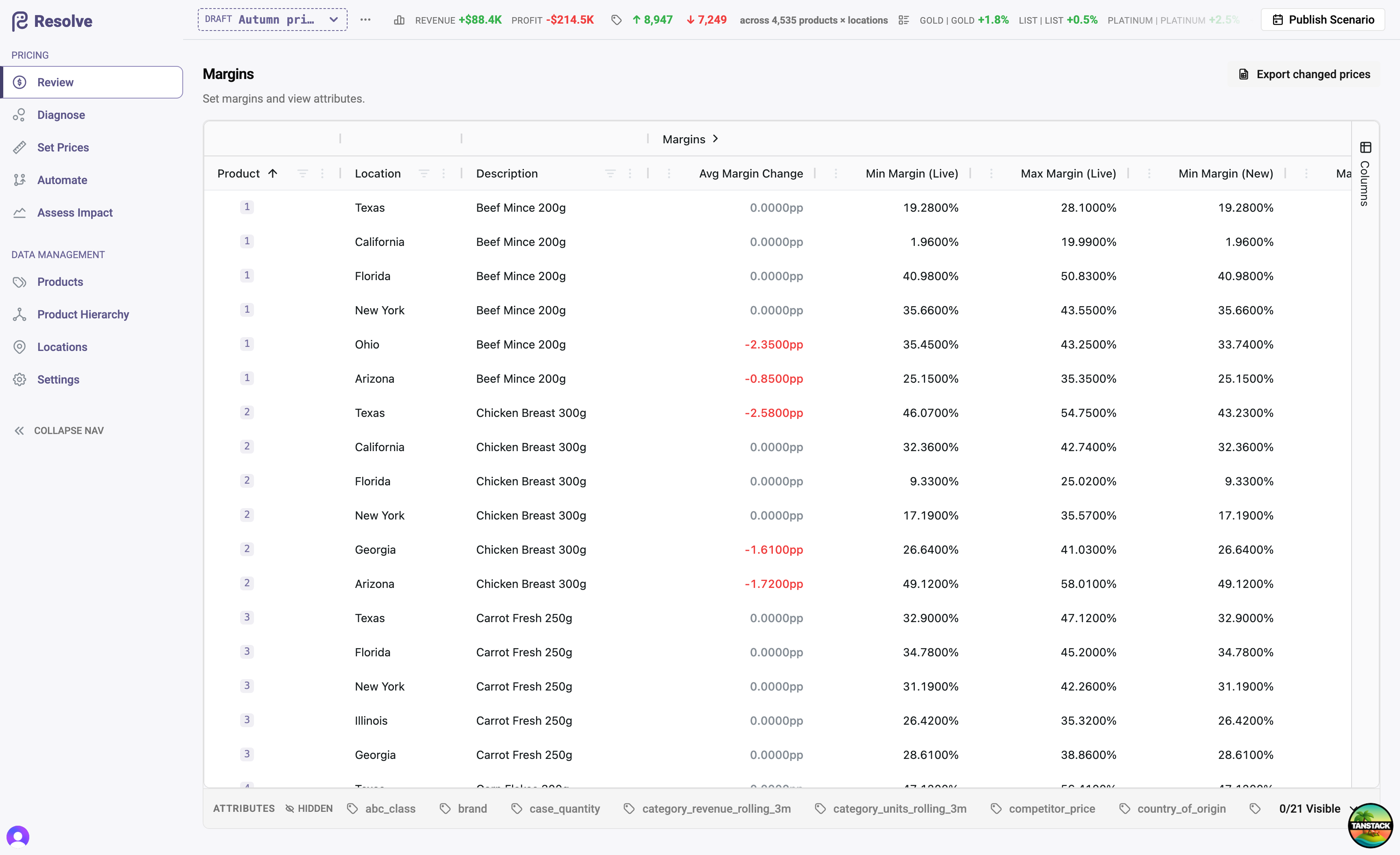
- Review prices — open the Review grid to see current and proposed prices side by side, with full attribution for every change.
- Diagnose — find products whose margin or volume is out of line, using two years of your sales history.
- Set prices — adjust rules directly on the pricing matrix, from a whole category down to a single product in a single location.
- Automate — encode your pricing policy as a workflow that reprices thousands of products consistently, and can be re-run whenever conditions change.
- Assess Impact — quantify what a scenario's changes would have meant against the last 12 months of actual sales, before anyone sees a new price.
- Publish — carry the scenario onto Live, export prices for your point-of-sale or ERP, and keep a complete audit trail.
- Measure — a few weeks after a publish, see what each run actually did: realised revenue and profit against the prediction.
Where to start
- New to Resolve? Read Core concepts first — fifteen minutes there makes everything else obvious.
- Setting up a new environment? Onboarding your data walks through the guided import.
- Looking for a term? The Glossary defines every word Resolve uses precisely.
About the examples
Screenshots throughout this guide use a demonstration dataset — a grocery wholesaler with 2,000 products, eight locations, and four customer segments. It is not customer data.